
How Top Event Planning Tools Simplify Event Planning

Planning an event can be a complex and demanding task. From coordinating vendors to managing guest lists and schedules, the process often involves juggling many moving parts. Fortunately, technology has stepped in to make this easier. Using top event planning tools can transform how events are organized, saving time and reducing stress. In this post, I will share how these tools simplify event planning and help create seamless, memorable experiences.
Why Top Event Planning Tools Are Essential
Event planning requires attention to detail and efficient management of resources. Without the right tools, it’s easy to get overwhelmed. Top event planning tools provide a centralized platform to handle multiple tasks, such as:
Tracking budgets and expenses
Managing registrations and ticket sales
Communicating with vendors and attendees
Scheduling and task assignments
Generating reports and analytics
By automating these processes, planners can focus more on creativity and less on administrative work. For example, instead of manually updating spreadsheets, a tool can automatically sync data and send reminders. This reduces errors and ensures everyone stays on the same page.
Using these tools also improves collaboration. Team members can access shared calendars, update progress, and communicate in real time. This transparency helps avoid misunderstandings and last-minute surprises.

Features to Look for in Top Event Planning Tools
When choosing the best tools for your event, consider features that match your specific needs. Here are some key functionalities that make a difference:
User-Friendly Interface
A simple, intuitive design helps you get started quickly without a steep learning curve. Look for drag-and-drop options and clear navigation.
Customization Options
Every event is unique. The ability to customize registration forms, email templates, and event pages allows you to maintain your brand identity.
Integration Capabilities
Tools that integrate with payment gateways, social media, and CRM systems streamline workflows and data management.
Real-Time Updates and Notifications
Instant alerts about changes or new registrations keep you informed and responsive.
Mobile Accessibility
Accessing your event data on the go is crucial. Mobile-friendly platforms or dedicated apps ensure you stay connected anywhere.
Analytics and Reporting
Post-event insights help you evaluate success and plan improvements for future events.
By prioritizing these features, you can select tools that not only simplify planning but also enhance the overall event experience.
How Event Management Software Transforms Event Planning
One of the most powerful resources available today is event management software. This type of software consolidates many event planning tasks into a single platform. Here’s how it can make your job easier:
Centralized Data Management
All event information, from attendee lists to vendor contacts, is stored in one place. This eliminates the need to search through multiple files or emails.
Automated Workflows
Tasks like sending confirmation emails, generating badges, and tracking payments happen automatically. This saves hours of manual work.
Improved Communication
Built-in messaging tools allow you to communicate directly with attendees and team members, reducing delays and confusion.
Scalability
Whether you’re organizing a small meeting or a large conference, the software adapts to your event size and complexity.
Enhanced Attendee Experience
Features like online registration, personalized agendas, and mobile event apps make participation easier and more engaging.
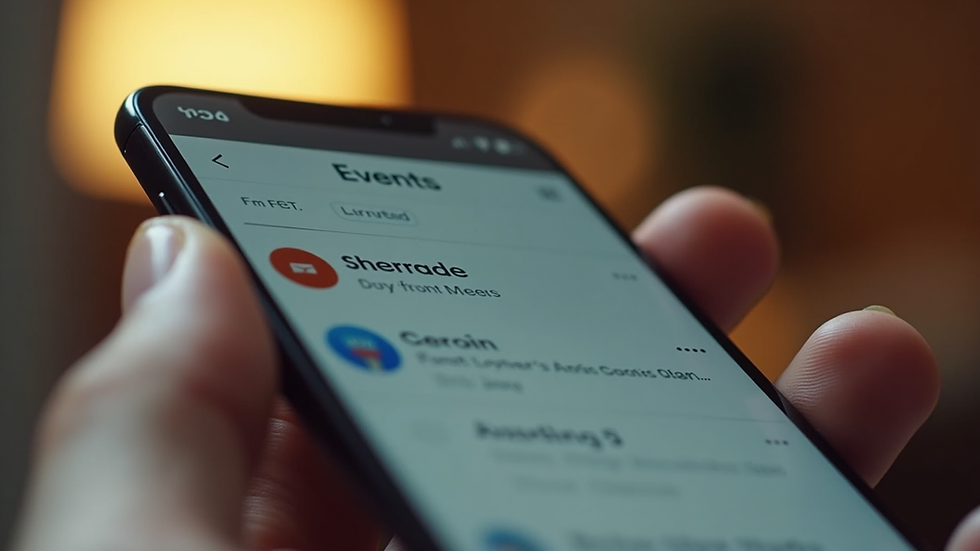
For example, when planning a conference, I used event management software to handle registration and session scheduling. The software sent automatic reminders to attendees and provided real-time updates on session changes. This level of organization helped the event run smoothly and kept participants informed.
Practical Tips for Using Event Planning Tools Effectively
To get the most out of your event planning tools, consider these actionable recommendations:
Start Early
Set up your event in the tool well before the event date. This allows time to test features and train your team.
Keep Data Organized
Use consistent naming conventions and categories. This makes searching and reporting easier.
Leverage Templates
Many tools offer templates for invitations, schedules, and budgets. Customize these to save time.
Regularly Update Information
Keep your event details current to avoid confusion. Update schedules, speaker lists, and venue information as needed.
Train Your Team
Ensure everyone involved knows how to use the tool. Provide quick guides or hold brief training sessions.
Monitor Analytics
Use reports to track registration trends, attendance rates, and feedback. This data helps improve future events.
By following these tips, you can maximize efficiency and reduce the risk of last-minute issues.
Beyond Planning: Enhancing Event Success with Technology
Event planning tools do more than just simplify logistics. They also contribute to the overall success of your event by:
Boosting Engagement
Interactive features like live polls, Q&A sessions, and networking tools encourage attendee participation.
Supporting Marketing Efforts
Integration with email marketing and social media platforms helps promote your event and increase visibility.
Facilitating Post-Event Follow-Up
Automated surveys and thank-you emails help gather feedback and maintain relationships with attendees.
Ensuring Compliance and Security
Many tools offer secure payment processing and data protection features, which are essential for building trust.
For businesses hosting events, these benefits translate into stronger brand reputation and higher return on investment. Using technology to enhance every stage of the event lifecycle creates a professional and memorable experience for all involved.
Embracing the Future of Event Planning
The event industry is evolving rapidly, and technology will continue to play a central role. By adopting top event planning tools, you position yourself to meet new challenges with confidence. These tools not only simplify complex tasks but also open up new possibilities for creativity and engagement.
Whether you are organizing a corporate seminar, a trade show, or a community festival, investing in the right technology is a smart move. It helps you deliver flawless events that leave a lasting impression.
If you want to explore reliable and affordable solutions, consider partnering with providers who understand the technical needs of event organizers. Their expertise can guide you through setup and ensure your event technology runs smoothly.
By embracing these innovations, you can focus on what matters most - creating unforgettable experiences that resonate with your audience.
I hope this guide helps you see how top event planning tools can transform your workflow and event outcomes. With the right technology, planning becomes less stressful and more rewarding. Happy planning!


Comments